Scrolling Tens of Thousands of Transactions

Performance is a feature. Keeping performance fast and responsive is a major goal of Big Picture Money.
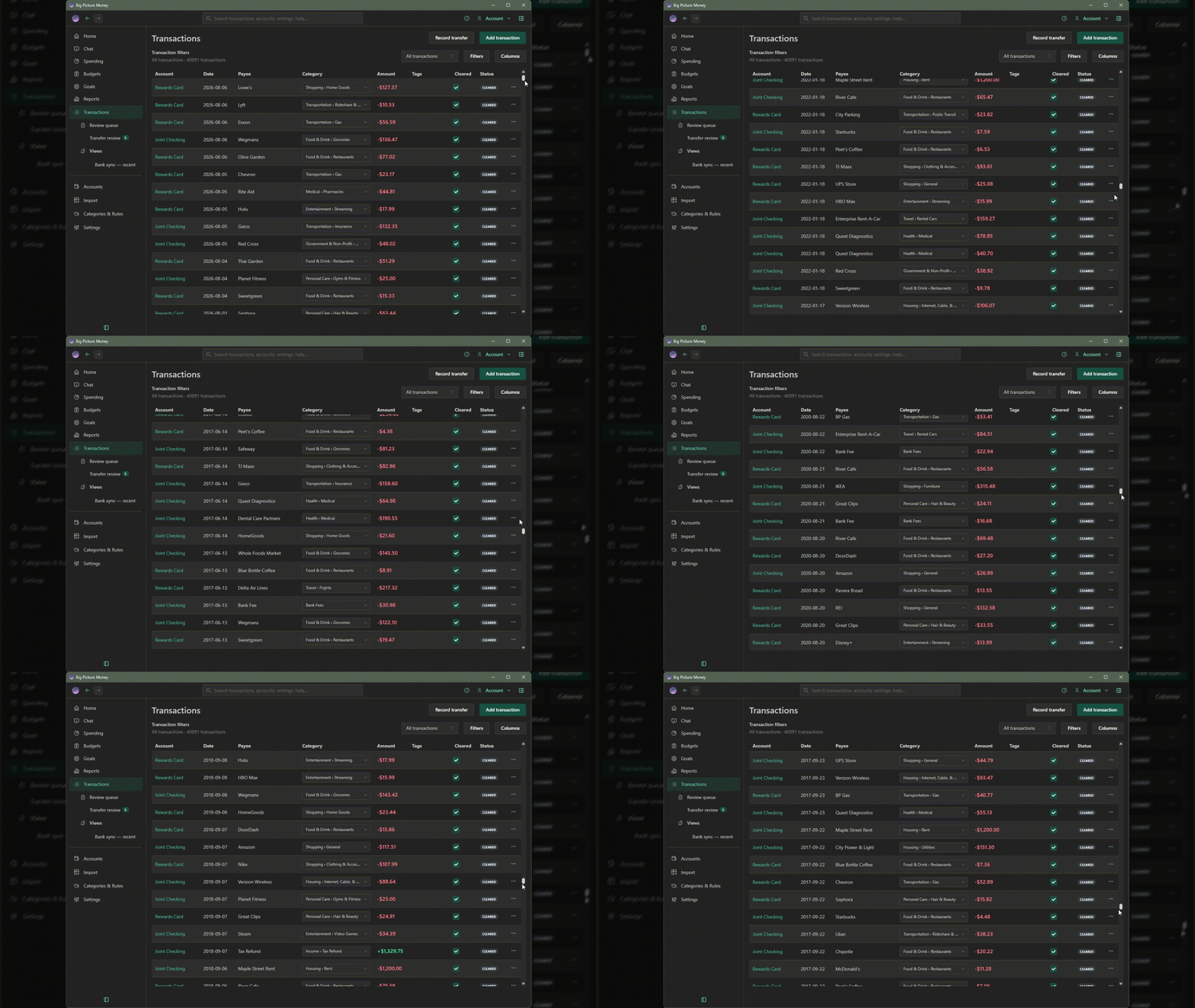
In applications, a common area of performance constraints is scrolling through large lists of data. For instance, a transaction register with 40,000 transactions -- years of groceries, rent, paychecks, and transfers -- each row needs layout work: columns, text, click targets, menus, icons, and more.
If the app creates all 40,000 of those rows in the page at once, all of that need to be created and rendered and kept in memory even if only thirty or forty or so fit on the screen. If we tried to load and render all these rows, even on the fastest computers, the app would become unresponsive: it would freeze as memory usage climbs, once rendered, scrolling would be slow and error prone, in bad cases the tab freezes and shows a "Page Unresponsive" dialog.
This isn't a speciifc problem for Big Picture Money, this is a general problem with large lists on screen, not something unique to personal finance software. Email clients, admin tables, search results, and finance apps all run into it once the dataset gets big.
Pagination as a workaround
Most applications use pagination to cover their performance issues. It is the easy way out. They show pages of records (or a "Load more" button) at the bottom of a table, loading only 50 or 100 records at a time. They keep their apps "responsive" by only loading a small batch of rows. The reasoning is that users don't actually read all those rows, so paging through a bunch of records with a "next" button is fine.
This ignores that scrolling down a long list to a specific date, or set of records (if sorting by something other than date) is a very natural operation. In Big Picture Money, if you want to see records from June of 2024, scrolling down to that date is easy and fast and natural. You don't need to dig through the filter dialog to figure out how to get the screen to show just the records you are looking for.
Virtualization: one list, a small window of rows
Big Picture Money uses a technique called virtualization to keep one continuous list. This is a more complex technique, but it pays-off in performance and usability. The app builds only the rows in the visible window (what is currently visible on screen), plus a little padding above and below. As you scroll, it reuses those same row slots with new data. The scrollbar still reflects the full length of the list; the page only holds a thin strip of real UI at any moment.
Look at the animated gif at the top of this article to see this scrolling performance in action. This isn't sped up or altered, scrolling through 40,000 records in our app is that fast.
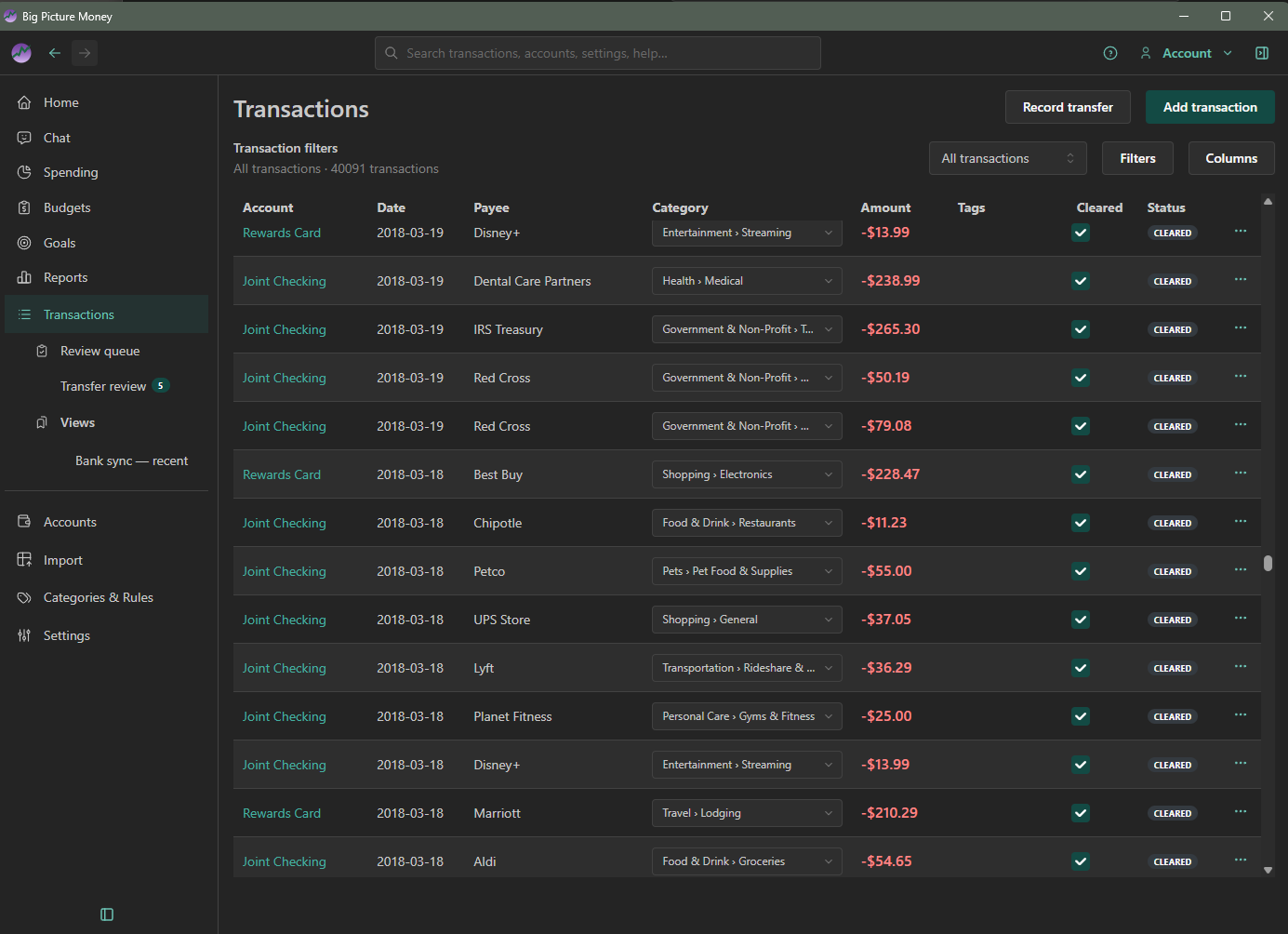
Because of virtualization, scrolling to a specific date is fast and natural.
For day-to-day use of the page, see Transactions. Buy Now if you want to try the register with your own history.