Your Data Stays on Your Machine
Local-first software you own: an encrypted database on your computer, a perpetual license, and no cloud account required to run your household books.
Privacy-first personal finance software
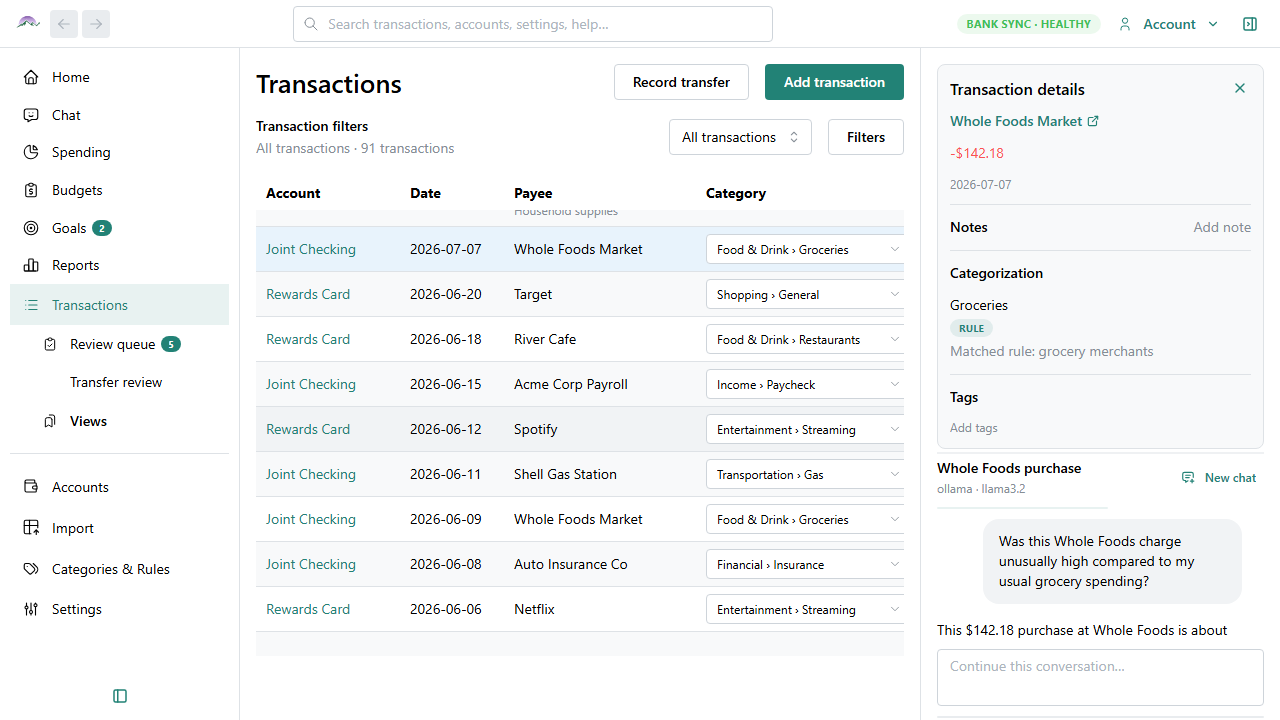
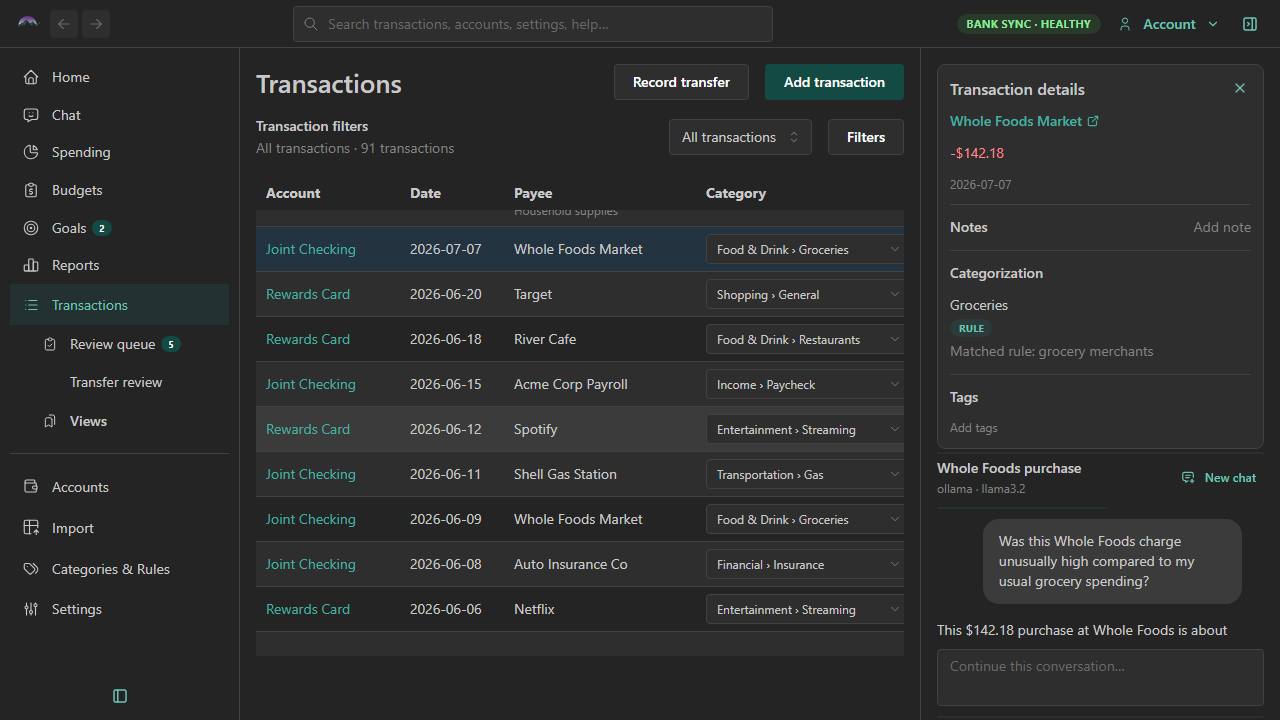
Local-first software you own: an encrypted database on your computer, a perpetual license, and no cloud account required to run your household books.
Set monthly targets with simple spending caps or envelope categories that roll over — mix both in the same budget.
See spending by category, drill into the transactions behind any slice, and keep registers current with optional automatic bank sync.
Big Picture Money helps you manage transactions, categorize spending, build budgets, track net worth, generate reports, and understand the larger financial picture of your household — all from a desktop app that works without a cloud account.
Securely discuss your finances with AI without your data leaving your computer.
Learn more →Rules, merchant data, and optional AI suggestions keep spending organized.
Learn more →Checking, savings, credit cards, loans, and more in one unified view.
Learn more →Your data file is encrypted locally. Privacy is the default, not an upgrade.
Learn more →The main workspace for day-to-day money management.
Browse expenses, deposits, and transfers across every account in one filterable register. Add and edit rows, split shared charges, fix categories, and work through the review queue — then save filters as pinned views so the lists you return to often are one click away.
Decide where money should go — and see if you are staying on track.
Set monthly targets from six months of real spending history, then track only the categories you care about. Use simple caps for groceries and dining, or envelope budgets for sinking funds like car repair and annual insurance — mix both in the same month.
Answer "where did my money go?" without building a custom report.
See this month's spending by category, drill into a chart slice, and jump straight to the transactions behind it. Filter by date, account, tag, or payee — then fix uncategorized or miscategorized items without leaving the view.
Track longer-term outcomes alongside monthly budget habits.
Save toward a house fund, keep a checking cushion with a balance floor, or define custom rules for pay-period logic. Each goal shows a clear evaluation — how far you are, whether you are healthy or below the floor — so the big picture stays visible.
A preview of the Big Picture Money desktop app.
Buy Big Picture Money — local-first personal finance software you own.